- HOME
- More
- Security deep-dive
- DMARC reports explained: What they are, and what to do with them
DMARC reports explained: What they are, and what to do with them
- Last Updated : August 27, 2026
- 15 Views
- 9 Min Read

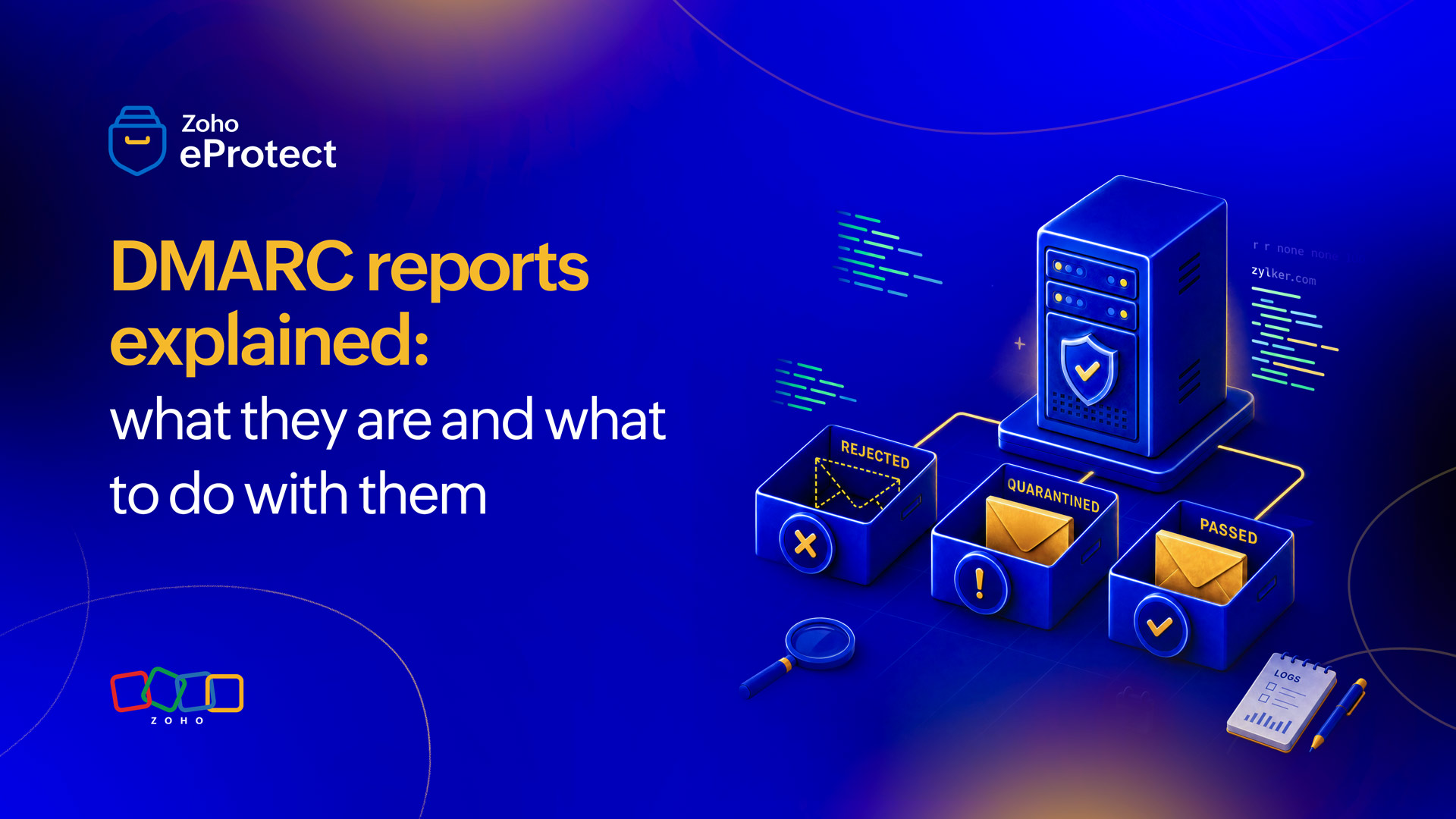
DMARC reports are automated feedback messages sent by receiving mail servers to the domain owner after processing email that references the DMARC policy. They show which servers are sending mail on behalf of the domain, whether those messages are passing or failing SPF and DKIM checks, and what action the receiving server took. Two types exist: aggregate reports (RUA), which summarize authentication results across all mail from the domain over a period, and forensic reports (RUF), which provide message-level detail on individual failures. Together, they provide the visibility needed to move from a passive monitoring policy to full enforcement without disrupting legitimate mail flow.
What are DMARC reports?
Publishing a DMARC record requires including an 'rua' tag pointing to an email address where aggregate reports should be sent, and optionally an 'ruf' tag for forensic reports. Receiving mail servers that honor DMARC send these reports back automatically, usually once per day for aggregate data, and immediately for forensic data on failures. They arrive automatically as long as the record is correctly configured and receivers support the reporting mechanism.
Most domains that have DMARC set up never properly look at these reports. However, they're the primary signal for understanding the email authentication posture and the only reliable basis for moving toward enforcement. Therefore, it's crucial to analyze them.
Aggregate reports: What’s in them
An aggregate report (RUA) covers a fixed reporting period, typically 24 hours, and summarizes every IP address that sent mail claiming to be from the domain during that window. Each sending IP gets a record showing how many messages it sent, whether those messages passed SPF, DKIM, and DMARC alignment checks, and what the receiving server’s disposition was under the current policy.
The reports arrive as XML files, often gzip-compressed, attached to emails sent to the RUA address. The format follows RFC 7489 and is consistent across recipient servers.
A simplified aggregate report looks like this:
<?xml version="1.0" encoding="UTF-8" ?>
<feedback>
  <report_metadata>
    <org_name>Zoho Mail</org_name>
    <email>noreply-dmarc@zoho.com</email>
    <report_id>17284930561748293045</report_id>
    <date_range>
      <begin>1724630400</begin>
      <end>1724716799</end>
    </date_range>
  </report_metadata>

  <policy_published>
    <domain>zylker.com</domain>
    <adkim>r</adkim>
    <aspf>r</aspf>
    <p>quarantine</p>
    <sp>quarantine</sp>
    <pct>100</pct>
  </policy_published>

  <record>
    <row>
      <source_ip>136.143.190.46</source_ip>
      <count>1243</count>
      <policy_evaluated>
        <disposition>none</disposition>
        <dkim>pass</dkim>
        <spf>pass</spf>
      </policy_evaluated>
    </row>
    <identifiers>
      <header_from>zylker.com</header_from>
    </identifiers>
    <auth_results>
      <dkim>
        <domain>zylker.com</domain>
        <selector>mail</selector>
        <result>pass</result>
      </dkim>
      <spf>
        <domain>zylker.com</domain>
        <result>pass</result>
      </spf>
    </auth_results>
  </record>

  <record>
    <row>
      <source_ip>198.37.144.52</source_ip>
      <count>312</count>
      <policy_evaluated>
        <disposition>quarantine</disposition>
        <dkim>fail</dkim>
        <spf>pass</spf>
      </policy_evaluated>
    </row>
    <identifiers>
      <header_from>zylker.com</header_from>
    </identifiers>
    <auth_results>
      <dkim>
        <domain>crmvendor.net</domain>
        <selector>crm2024</selector>
        <result>pass</result>
      </dkim>
      <spf>
        <domain>zylker.com</domain>
        <result>pass</result>
      </spf>
    </auth_results>
  </record>
</feedback>
The “policy_published” block shows what the DMARC policy looked like at the time the report was generated. This is useful for confirming the record is being read correctly. The “record” block is where the actionable data lives. “source_ip” is the server that sent the mail. “count” is the message volume from that IP during the period. “policy_evaluated” shows the DMARC result: what disposition was applied and whether DKIM and SPF passed in an aligned way. “auth_results” shows the raw authentication outcomes before alignment is considered.
Forensic reports: A different kind of data
Forensic reports (RUF), sometimes called failure reports, are generated per message rather than per day. When a message fails DMARC, the receiving server can send a report containing headers and sometimes body content from that specific message, along with the reason for failure.
RUF reports are useful for diagnosing specific failure scenarios, such as a misconfigured third-party sender, a forwarding chain breaking DKIM, an SPF record missing a sending IP. This helps with troubleshooting failures.
The privacy consideration is real, though. Forensic reports can contain message content, which means the organization may be receiving partial copies of emails sent by users.
Some organizations disable RUF entirely for this reason, particularly in regulated industries. Others use a redacted forensic report format. Organizations that do collect RUF reports should ensure the RUF address is treated with appropriate data handling controls, and that the privacy policy covers this use. Several large receivers no longer send forensic reports at all. For the purposes of policy enforcement decisions, aggregate reports carry sufficient information.
Reading a real aggregate report: What to look at
Start with “policy_published”. Confirm the domain, the policy value (p=), and the alignment modes (“adkim” and “aspf”). If these don’t match what was published, investigate before drawing any conclusions from the rest of the report.
Then look at each “record”. For every source IP, the questions to answer are: Is this sender recognized? Are messages from it passing DMARC? How much volume is it handling?
A recognized sender passing cleanly, such as the email provider, the CRM, or the marketing platform, is baseline healthy. An unrecognized IP sending high volumes with DMARC failures is a problem. It could be an unauthorized third-party sender, a shadow IT tool set up without going through the IT team, or it could be a threat actor spoofing the domain.
Pay close attention to the distinction between “auth_results” and “policy_evaluated”. A message can technically pass DKIM or SPF at the authentication level but still fail DMARC if alignment fails.
For DKIM, alignment means the “d=” domain in the DKIM signature must match the domain in the “From:” header either exactly or at the organizational domain level. For SPF, it’s the domain in the “Return-Path” that must align. A third-party sender authenticating under its own domain rather than the organization’s will show SPF pass in “auth_results” but SPF fail in “policy_evaluated”.
What does the data imply?
After a week of aggregate reports, the picture of the sending infrastructure should be clear. Every legitimate service sending mail as the domain should appear in the reports, and most should be passing DMARC cleanly.
A marketing platform sending on behalf of the domain passes SPF but fails DKIM alignment because it’s signing with its own domain. The fix is to configure DKIM signing under the organization’s domain within the platform’s settings.
A cluster of unfamiliar IPs is sending moderate volumes, all failing DMARC. This is potential spoofing or a forgotten sending path. It warrants investigation before policy changes are made.
The percentage of total mail volume that passes DMARC alignment is the key metric. At “p=none”, nothing is being blocked regardless of this percentage. The goal is to get it high enough that enforcing a restrictive policy won’t cause disruption.
Moving from “none” to “quarantine” to “reject”: Using report data to enforce safely
This is where most domains stall. They publish “p=none”, watch reports arrive for a few weeks, and then do nothing. The policy sits at monitoring indefinitely, which means it offers no protection at all. If a threat actor is spoofing the domain, “p=none” doesn’t slow them down.
Moving to enforcement requires discipline, but the report data makes it easier to manage.
What volume of passing traffic is enough?
There’s no universal threshold, but a practical target before moving to “p=quarantine” is 95% or more of total reported message volume passing DMARC alignment across all significant sending sources. The remaining 5% matters. If it’s a small tail of misconfigured legacy senders that can be fixed or suppressed, address them before moving. If it’s genuinely unrecognized traffic with no obvious legitimate source, that’s likely spoofing, and it’s actually an argument for moving faster.
Counting volume from a single domain in isolation isn’t enough. Google’s aggregate report and Microsoft’s aggregate report will show different slices of traffic. Look across all receivers before drawing conclusions.
Handling legitimate senders that are failing
Before tightening policy, auditing every failing source IP in the reports is essential. For each one, the question is: Is this a sender the organization controls, one it has authorized, or something that cannot be accounted for?
Authorized senders that are failing alignment need to be fixed at the source. The two most common fixes are adding the sender’s IP to the SPF record (if it isn’t already there) and enabling DKIM signing under the organization’s domain within the sender’s platform. Both require access to the sending platform’s settings and usually a DNS change. Work through them systematically. Large senders, like marketing platforms and CRMs, almost always support custom DKIM signing. It’s worth taking the time to set it up properly rather than relying on SPF alone.
If a sender can’t be fixed because it’s legacy infrastructure with no DKIM support, or a vendor that won’t cooperate, a choice must be made. If the volume is low, accepting a small failure rate may be reasonable as the cost of moving to enforcement. If it’s substantial, the sender needs to be replaced or enforcement delayed until it can be.
What does a safe quarantine rollout look like?
“p=quarantine” sends failing messages to the spam folder rather than the inbox. This is disruptive if legitimate mail is failing. Before switching, the passing rate across recognized senders should be high and stable, and every significant failing source should have been addressed.
One pragmatic approach is to use the “pct” tag during transition. Publishing “p=quarantine; pct=10” means the policy is applied to only 10% of failing messages initially. Bump it in increments such as 10, 25, 50, 100, over a period of weeks while watching the reports for unexpected failures. This gives a controlled rollout and an easier rollback path if something breaks.
A risky quarantine rollout is switching from “p=none” to “p=quarantine; pct=100” in one step. If there are failing legitimate senders that haven’t been identified yet, their mail will be blocked immediately and the problem will surface the hard way.
Moving from quarantine to reject
“p=reject” instructs receiving servers to drop failing messages outright. This is the goal because this is the policy that actually stops domain spoofing. The path from quarantine to reject follows the same logic. Monitor reports under quarantine, address any remaining failures, and move “pct” incrementally if confidence in the sending landscape isn’t yet established.
The typical timeline for a well-managed domain is six to twelve weeks from publishing “p=none” to reaching “p=reject”. Domains with complex sending infrastructure or many third-party senders take longer. The reports indicate readiness when passing volume is consistently high, failing volume is either zero or attributable to confirmed spoofing, and there are no surprises in the sending IP landscape.
Patterns worth watching for
A sudden increase in volume from an unrecognized IP, particularly one showing consistent DMARC failures, is a signal worth acting on quickly. Phishing campaigns that spoof the organization’s domain typically show up in aggregate reports as a cluster of IPs sending high volumes of failing mail. Under “p=none”, this is invisible to receivers; under “p=reject”, it’s blocked.
Partial failures from a known sender, such as some messages passing and some failing from the same IP, usually indicate a misconfigured signing setup or an SPF record that doesn’t cover all of the sending infrastructure for that service. Multi-region deployments of the same platform sometimes use different IPs that aren’t all in the SPF record.
Forwarded email is a persistent source of SPF failures. When a message is forwarded, the SPF check against the original sender’s IP fails because the mail is now coming from the forwarding server. DKIM survives forwarding in most cases, as long as the message isn’t modified. A pattern of SPF failures paired with DKIM passes from what looks like a legitimate source usually points to forwarding as the cause.
Parsing reports at scale
Domains with significant mail volume receive reports from dozens of receivers every day. Reading raw XML manually isn’t a practical approach once you’re past initial setup.
Several tools and services exist specifically to aggregate and visualize DMARC report data. They ingest reports from the RUA mailbox, normalize the XML, and present the sending IP landscape, pass/fail rates, and policy compliance metrics in a readable format. Most allow tracking changes over time, which is useful during an enforcement migration.
Some organizations build their own parsing pipeline using a dedicated mailbox, a script to extract and decompress the XML attachments, and a simple database to store and query the records. The XML schema is consistent enough that this is a manageable project for anyone comfortable with basic scripting.
What matters is having a systematic way to review the data. Weekly is sufficient during steady-state monitoring. Daily review is worth it during an active enforcement migration.
Making reports part of a regular security routine
DMARC reports aren’t a one-time setup task. The sending landscape for most domains changes over time. New tools get integrated, vendors change their infrastructure, and staff start using services that send mail as the company domain. Without regular review, DMARC posture degrades silently.
A monthly review of the aggregate report data is a reasonable baseline once reaching “p=reject”. Look for new sending IPs that are unrecognized, any increase in failure rates from known senders, and any spike in spoofing attempts. Organizations that do this regularly catch infrastructure drift early, such as a new marketing tool that someone onboarded without going through IT, or an SPF record that’s grown stale as vendors change their sending IPs.
The investment is small. The reports provide the data. Using them consistently is the difference between a DMARC deployment that actually protects the domain and one that just checks a compliance box.
eProtect is a cloud-based email security and archiving solution that protects your organization from email threats. The solution offers advanced threat detection mechanisms to protect on-premise and cloud email accounts from evolving email threats. eProtect is the security solution that powers Zoho Mail, a platform that millions of users trust.